

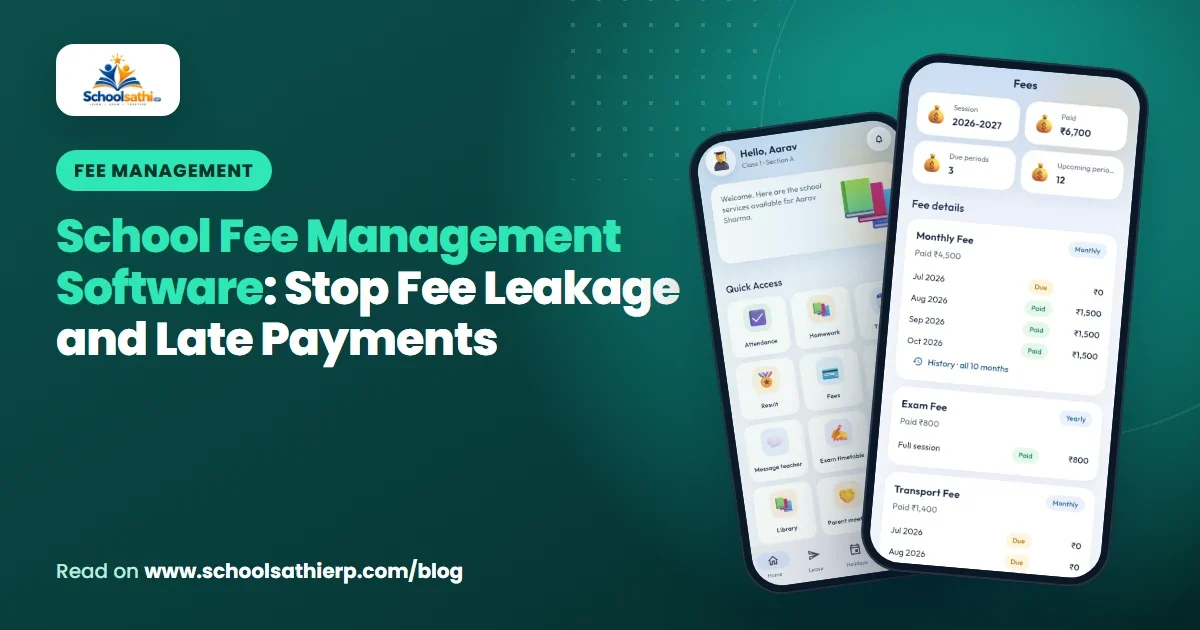
For most private schools, fees are the lifeline. Yet fee collection is often managed with receipt books, a register and an Excel sheet that only one person understands. Small mistakes add up: a missing receipt, a concession not recorded, a parent who paid but still appears as due. School fee management software fixes this at the root.
Where fee leakage happens
- Receipts written by hand and not entered anywhere else.
- Different fee amounts for different classes kept in someone's memory.
- Transport and exam fees tracked separately from tuition.
- No quick list of who has not paid this month.
- Parents unsure how much is due, so they delay payment.
How fee software works
1. Fee heads, set once
Create fee heads such as tuition, admission, exam, transport and activity, with amounts per class. The system applies them to every student in that class.
2. A ledger for every student
Each student gets a session-wise fee ledger showing what is paid, what is due and what is upcoming. Concessions and changes are recorded in the same place.
3. Receipt for every payment
When the accountant records a payment, the receipt is generated immediately and saved against the student. It can be printed or downloaded as a PDF any time.
4. Dues in one click
Class-wise and section-wise dues lists show exactly who needs a reminder. Reports can be exported to Excel for management.
Parents see their own fees
In the SchoolSathi ERP parent app, families see paid months, due months and receipts. When parents can see the balance themselves, there are fewer calls and payments come sooner.
Control for the principal
The principal can see total collection and pending dues at any moment, without asking the accountant for a report. Because fee history is kept and not deleted, the records stay trustworthy at audit time.
Tips for better fee collection
- Announce the fee schedule at the start of the session in the app.
- Send reminders a few days before the due date, not after.
- Give every payment a receipt, including cash.
- Review the dues list every week, class by class.
SchoolSathi ERP includes fee management in every plan along with attendance, academics and the parent app. Try it free for 3 months — book a demo or see pricing.
Frequently asked questions
Can parents see their fee balance?
Yes. In SchoolSathi ERP, parents see paid months, dues and receipts in the parent app.
Can different classes have different fees?
Yes. Fee heads and amounts are set per class, and transport fees can be added for students who use the bus.


