Result time is one of the busiest periods in any school. Teachers collect marks, class teachers fill registers, someone calculates totals and percentages, and the office types and prints report cards. One mistake means reprinting. Exam result management in a school ERP turns days of work into a few hours.
The usual problems
- Marks copied from answer sheets to registers to Excel — three chances for error.
- Percentage and grade calculated by hand.
- Report cards typed one by one.
- Parents wait days to know the result.
How result management works
1. Set up exams once
Create the exam (unit test, half-yearly, annual) with subjects and maximum marks for each class.
2. Subject teachers enter marks
Each teacher enters marks for their own subject from the app or panel. No register is passed around.
3. Automatic totals, percentage and grade
The system calculates totals, percentage and grade for every student instantly.
4. Publish to parents
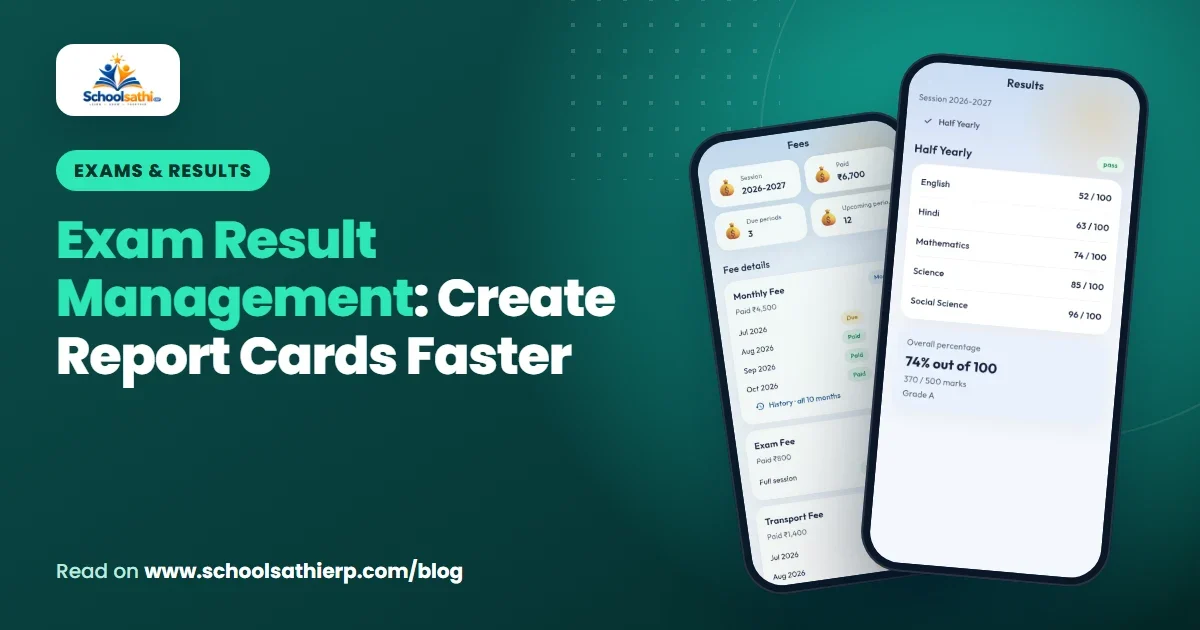
When the school publishes results, parents see subject-wise marks, percentage and grade in the parent app.
Exam timetable too
Parents can also see the exam timetable in the app, so they know which subject is on which day.
Tips for a smooth result season
- Set a deadline for marks entry for all subject teachers.
- Ask class teachers to check their class before publishing.
- Publish results to the app and keep printed report cards for PTM if needed.
Exams and results are included in SchoolSathi ERP plans. Book a free demo and see results go from marks to parents in minutes.
Frequently asked questions
Is percentage calculated automatically?
Yes. Once marks are entered, totals, percentage and grade are calculated for every student.
When do parents see results?
Only when the school publishes them. Parents then see subject-wise marks, percentage and grade in the app.